ED Editor
The ED Editor is a proprietary editor available from SpiffWorks. It supports real-time editing, authoring, and running of BPMN diagrams directly in the browser.
Launch the editor:
https://ed.spiff.works
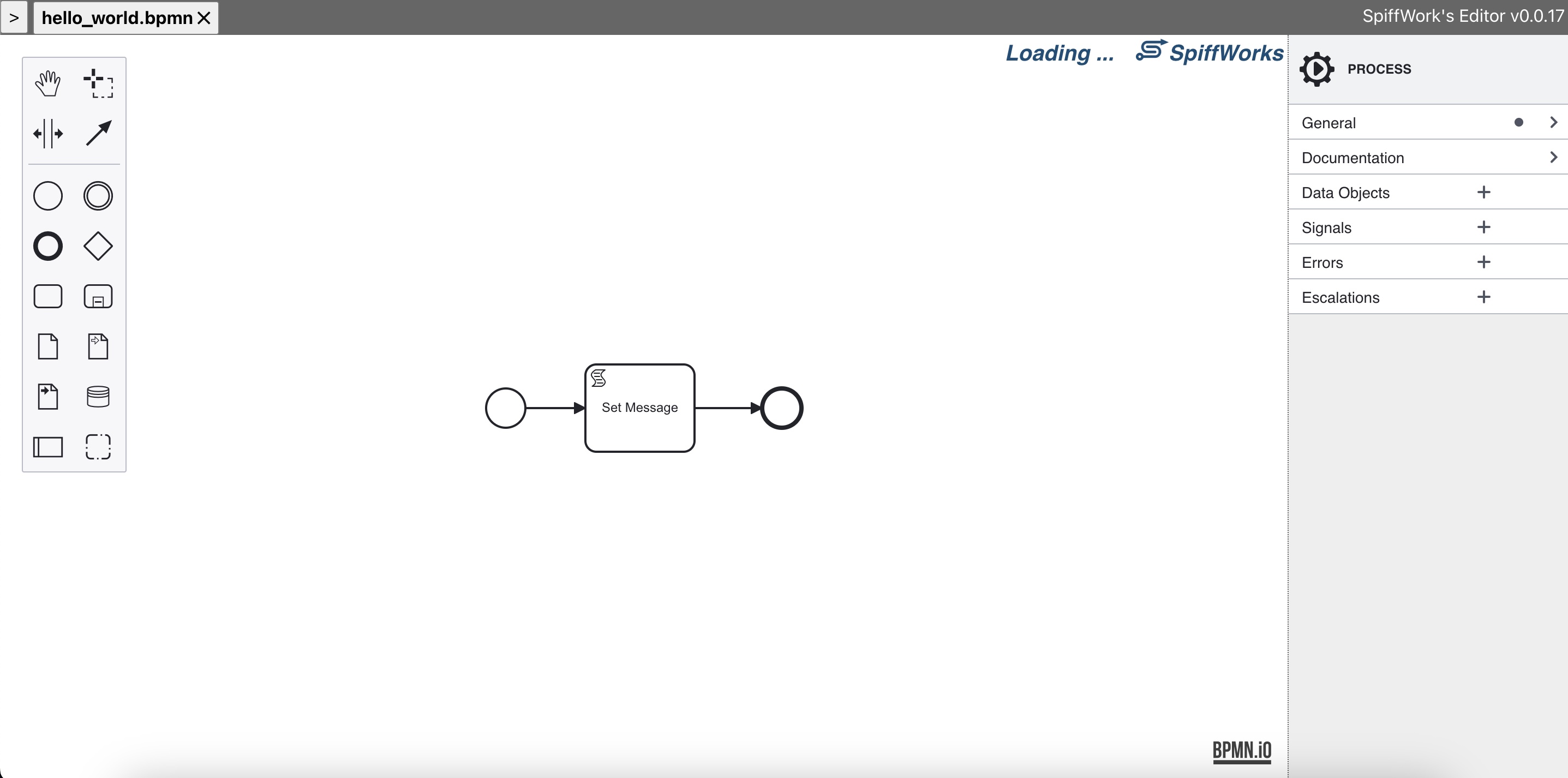
What You Can Do in the ED Editor
Author BPMN diagrams in real-time
Run BPMN diagrams to validate flow behavior while you build
Sync process models to GitHub (optional) using a dedicated configuration BPMN file
Getting Started
Open
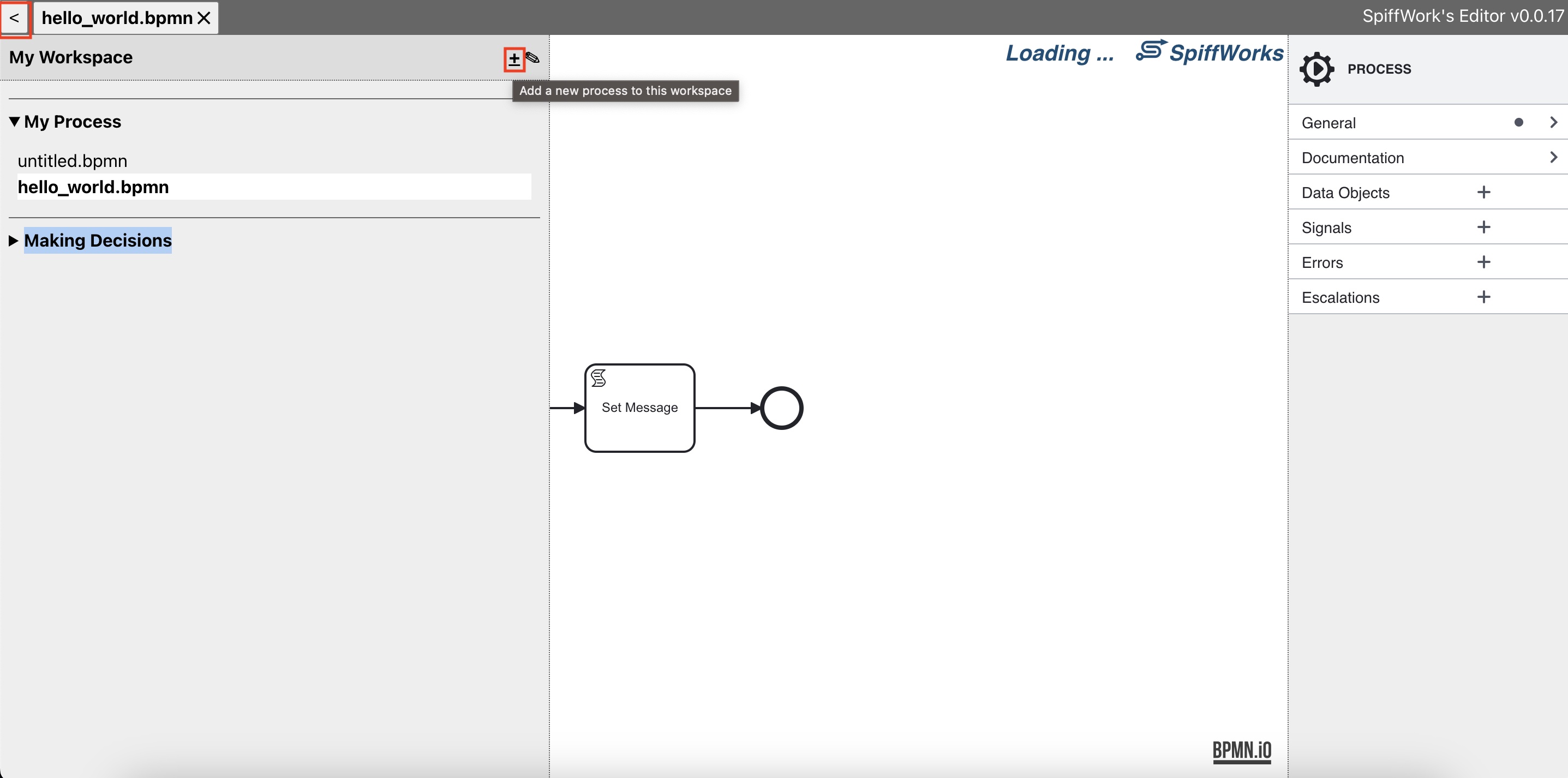
https://ed.spiff.worksCreate or open a workspace
Create or open a BPMN diagram
Edit and run the diagram as needed
Syncing with GitHub
To enable syncing with GitHub, the ED Editor requires a special BPMN configuration file. This file tells the editor:
which GitHub repositories it is allowed to connect to
which branch (ref) to sync against
which connector proxy to use for service calls
You can create this file by hand or use an included example.
Required Configuration File: ed:config.bpmn
Create a BPMN diagram that contains:
a Start element
a Script Task
an End element
Name the file exactly:
ed:config.bpmn
Recommended placement:
create a workspace called Configuration
store
ed:config.bpmninside that workspace
Why a dedicated workspace?
Keeping configuration separated from process models:
reduces accidental edits to configuration files
makes setup easier to locate
helps prevent
ed:config.bpmnfrom being synced to GitHub along with process models
Script Task Variables
Inside the Script Task in ed:config.bpmn, define two variables:
github_tokenconfig
These values are used by the ED Editor to authenticate with GitHub and determine which repositories and branches are available for syncing.
1) github_token
A GitHub Personal Access Token (PAT) used to access the repositories you want to sync.
How to generate a token
Go to GitHub Settings
Open Developer settings
Generate a Personal access token
2) config
A dictionary describing which repositories can be connected so the editor knows what to display in selection dropdowns.
At minimum, it contains:
connectorProxyUrlsync.github.repos[](one or more repo definitions)
Example Configuration (Single Repository)
github_token="...."
config = {
  "connectorProxyUrl": "...",
  "connectorProxyApiKey": "...",  # optional - omit if your proxy does not require a key
  "sync": {
    "github": {
      "repos": [
        {
          "owner": "your_name_or_company",
          "repo": "your_process_model_repo",
          "ref": "main",
          "token": github_token
        }
      ]
    }
  }
}
Field meanings
connectorProxyUrlThe connector proxy base URL used for service calls.connectorProxyApiKey(optional) If your connector proxy requires an API key, set it here. The editor will include it as aSpiff-Connector-Proxy-Api-Keyheader on requests to the proxy. See Configure a Connector Proxy for details.ownerThe GitHub user or organization that owns the repository.repo
The GitHub repository name that contains your BPMN/process models.ref
The branch name to sync against (for example,main).token
The GitHub token used to access the repo (typicallygithub_token).
Example Configuration (Multiple Repositories)
If you want the editor to support multiple process model repositories, add multiple entries under repos:
github_token = "..."

config = {
  "sync": {
    "github": {
      "repos": [
        {
          "owner": "your_org",
          "repo": "process_models_a",
          "ref": "main",
          "token": github_token
        },
        {
          "owner": "your_org",
          "repo": "process_models_b",
          "ref": "main",
          "token": github_token
        }
      ]
    }
  }
}