Getting Started with Ed
Open Ed at https://ed.spiff.works.
If you have access to more than one workspace, choose the workspace that contains the process models you want to edit.
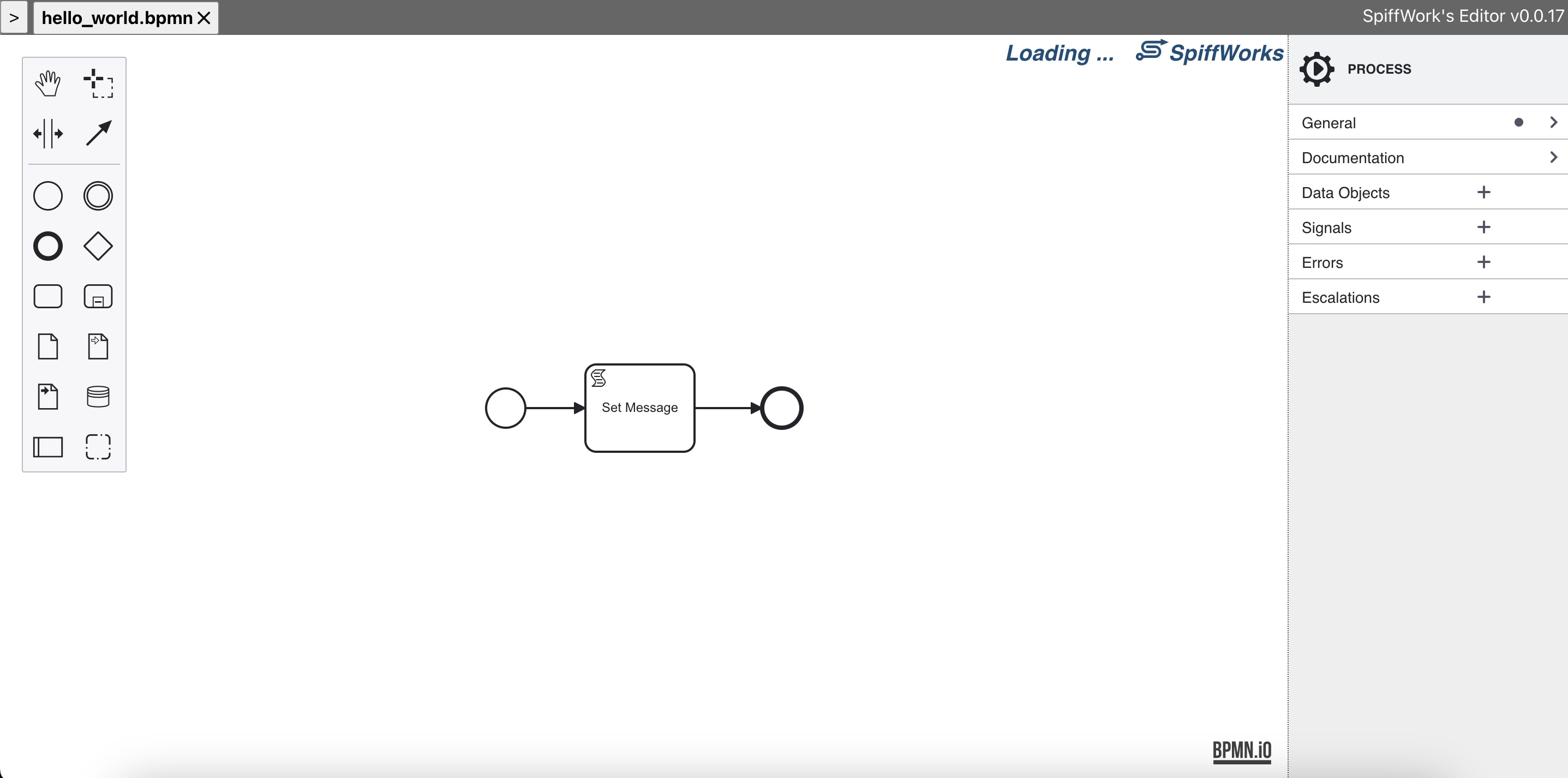
Basic Workflow
Create or open a workspace.
Create or open a process.
Create or open a BPMN file.
Edit the diagram and supporting files.
Run the diagram to check behavior while you build.
Sync the process model files to GitHub when your workspace is configured for sync.
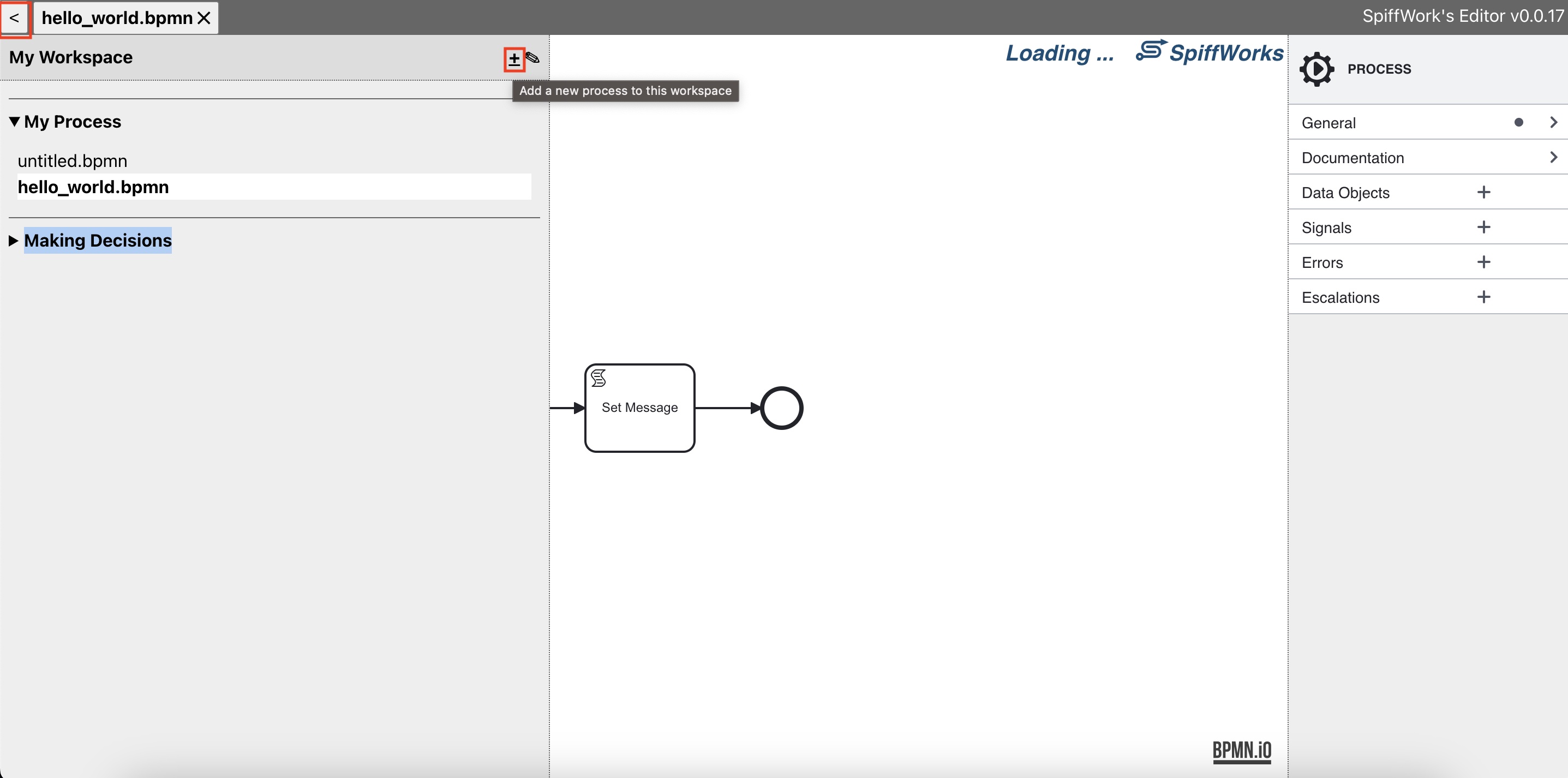
What You Can Create
An Ed workspace can contain BPMN diagrams and supporting files such as:
JSON Schema files for User Task forms.
UI Schema files for form layout and widget settings.
DMN decision tables.
JSON data files used by data stores or examples.
Markdown or other process documentation files.
Good First Checks
Before making a large change, confirm:
You are in the correct workspace.
You are editing the intended process and file.
The BPMN diagram opens without import errors.
User Tasks that use forms reference both a JSON Schema file and a UI Schema file.
The process can run at least to the next user input or expected wait state.